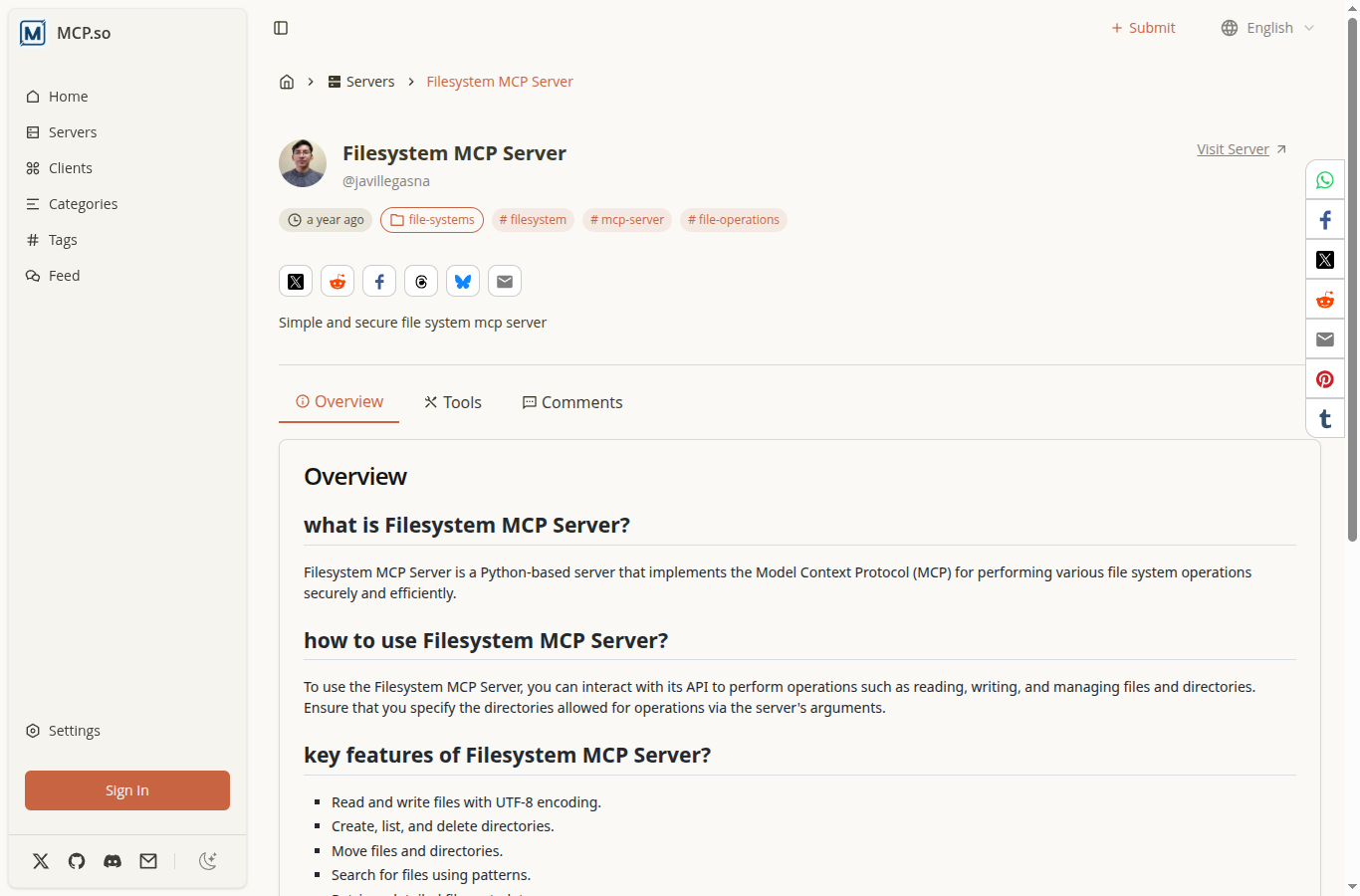
Overview
Filesystem MCP Server is a secure, feature-rich Python server that implements the Model Context Protocol (MCP) for filesystem operations. This project provides a robust interface for file and directory management with built-in security restrictions, allowing operations only within specified directories. The server has gained recognition with 20 stars and 4 forks on GitHub, demonstrating its utility in the developer community.
Key Features
- File Operations: Read, write, and edit files with UTF-8 encoding support
- Directory Management: Create, list, move, and delete directories with parent directory auto-creation
- Advanced File Editing: Pattern matching, multi-line content matching, whitespace normalization, and Git-style diff output
- File Search: Recursive search with pattern matching and exclude patterns (glob format support)
- Metadata Retrieval: Get detailed file/directory information including size, timestamps, permissions, and type
- Security: Restricted access to only specified directories for enhanced safety
- Multiple File Reading: Read multiple files simultaneously with graceful error handling
Technologies Used
- Language: Python (99.9%)
- Protocol: Model Context Protocol (MCP)
- Build Tools: Makefile, Docker
- Package Management: uv, pip
- License: MIT
API Tools
The server provides a comprehensive set of tools for filesystem operations:
- read_file: Read complete file contents with UTF-8 encoding
- read_multiple_files: Read multiple files simultaneously
- write_file: Create new files or overwrite existing ones
- edit_file: Advanced file editing with pattern matching, indentation preservation, and dry-run mode
- create_directory: Create directories with parent directory auto-creation
- list_directory: List directory contents with file/directory prefixes
- move_file: Move or rename files and directories
- search_files: Recursively search for files/directories with pattern matching
- get_file_info: Get detailed file/directory metadata
- list_allowed_directories: List all directories the server can access
Installation & Usage
The server can be installed and run in multiple ways:
Using uvx (Recommended)
uvx --from git+https://github.com/javillegasna/filesystem filesystem /path/to/allowed/dirUsing pip
git clone https://github.com/javillegasna/filesystem
cd filesystem
pip install -e .
python ./src/main.py /path/to/allowed/dir
Integration
The server integrates seamlessly with:
- Claude Desktop: Via MCP server configuration
- VSCode: Through MCP extension support
Development Highlights
This project demonstrates advanced Python development practices including:
- Protocol implementation (MCP)
- Secure file system operations
- Advanced text processing and pattern matching
- Error handling and graceful degradation
- Docker containerization support
- Pre-commit hooks for code quality
Security Features
- Directory Restrictions: Operations limited to specified allowed directories
- Safe File Editing: Dry-run mode for previewing changes before applying
- Pattern Validation: Secure pattern matching with glob format support
- Error Handling: Graceful handling of failed operations without stopping the entire process
Use Cases
- AI assistant file management integration
- Automated file operations in development workflows
- Secure filesystem access for development tools
- File search and metadata retrieval systems
- Batch file processing operations
Repository
You can view the source code, contribute, or report issues on GitHub. The project is open source under the MIT license.